You closed the incision.The clock had already started.
Thirty days. Carried on your staff's phone.
PostOp Navigator gives that window structure — expectations you author, patient check-ins on your schedule, review by a licensed nurse, and a record of every contact.
One total knee, discharge through day 30.
The post-discharge window nobody was watching.
Your patients leave with a paper sheet. What comes back is uncontrolled inbound — calls, portal messages, photos by text — with no structure and nowhere consistent for it to live.
Two minutes, on the day you chose.
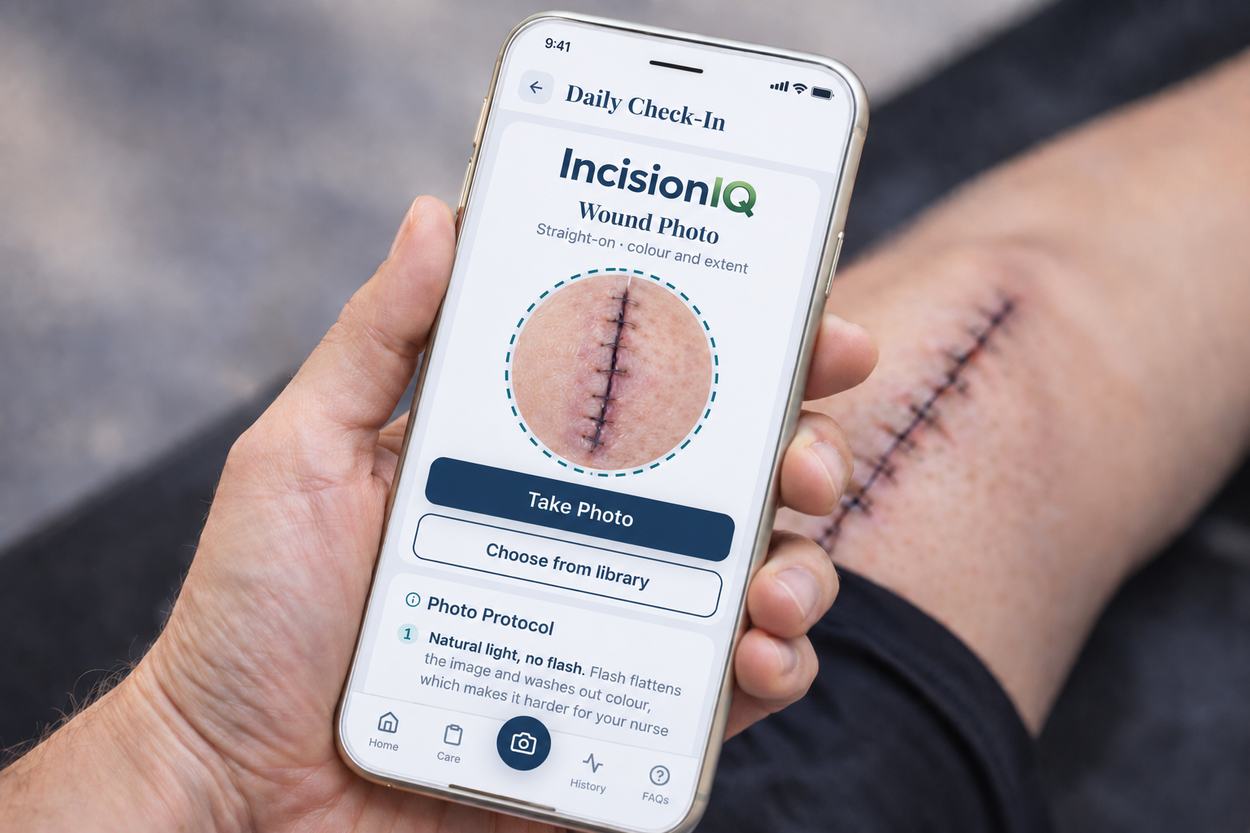
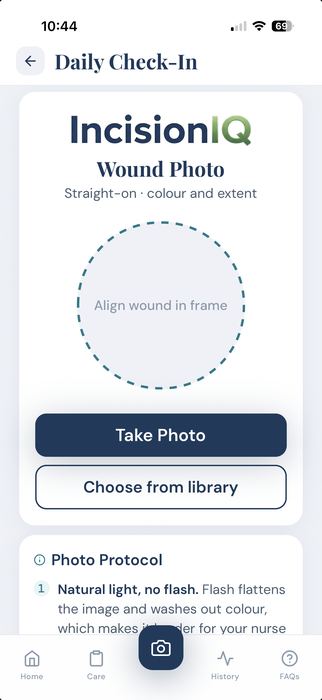
They open the app, photograph the incision the way you asked for it, answer a handful of questions written for their procedure, and send it. A licensed nurse reads what comes in.
"When can I shower?" They already know.
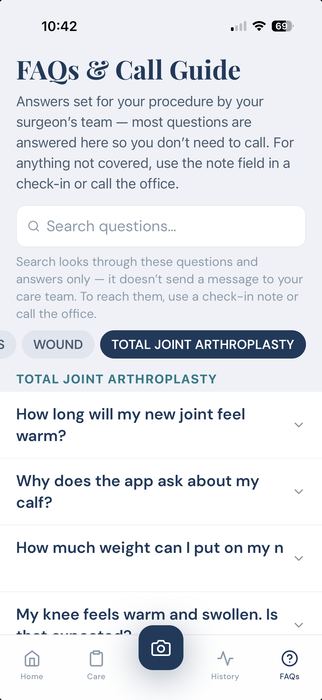
Most of the calls your staff fields are not clinical. They are the same forty questions, asked by every patient, in a slightly different order. Your answers live in the app — written for their procedure, approved by you, keyed to the day they're on.
And the patient calling at nine at night isn't being difficult. They're calling because nobody told them what week two was supposed to look like.

Ninety calls a month, and none of them in the chart.
Move the slider to your practice's volume.
Post-operative call burden
An illustrative model built from your inputs. Not a measured result from any practice.
per month
staff cost
Assumes 12 minutes per call and a fully loaded staff cost of $26 per hour. Your numbers will differ. This does not account for after-hours surgeon call burden, which practices consistently describe as the harder cost to measure.
Four steps, and you set every one.
You author the expectations
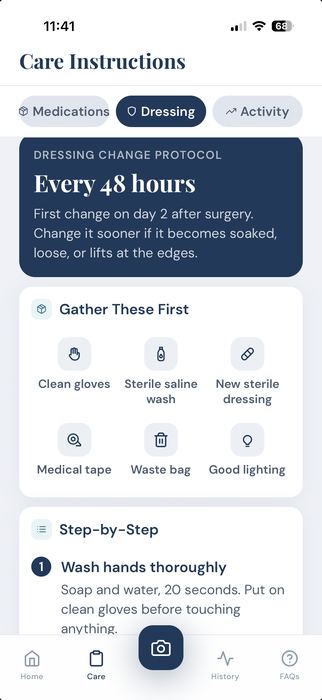
During onboarding you review procedure-family defaults and change what doesn't match how you practice — drainage windows, swelling, activity, dressing changes. What you approve is what your patients read and what your nurse reviews against.
The patient enrolls at discharge
Your staff hands them a printed code. They scan it, confirm their identity, consent, and they're in. No portal account, no password to lose, no setup call to your front desk.
They check in on your schedule
Photos and short questions on the days your procedure family calls for, with the questions changing as they move through the window. They can send an unscheduled submission any time.
A licensed nurse reviews and escalates
Every submission is reviewed by a nurse licensed in your patient's state, against your stated expectations. When something falls outside them, your office hears about it — with the photo, the date, and the patient's own words attached.
What this is, and what it is not.
You'd rather hear this now than find it out in month two.
What it is
- Post-operative wound surveillance and workflow coordination.
- A structured way to collect what patients would otherwise text or phone in.
- Review by a licensed nurse against expectations you authored and signed.
- A timestamped, attributed, exportable record of every submission and contact.
What it is not
- Not a diagnostic tool. The platform does not assess, score, or interpret a wound.
- Not around-the-clock monitoring. Nurses review during defined windows.
- Not an emergency service. Patients are told to call your office or 911.
- Not a replacement for your clinical judgment or your follow-up visit.
Orthopedics first.
Five procedure families, each with its own expectation set, question schedule and patient education library — configured with you and signed by you before a single patient enrolls.
Plastic surgery content — body contouring and reconstructive families — is in development with a clinical advisor in that specialty. We are not accepting plastic surgery practices yet, and we'd rather say so than take a deposit.
See it with your procedures in it
Thirty minutes. We walk your families, show you the expectations you'd be editing, and give you the onboarding time commitment honestly — it is a real one.